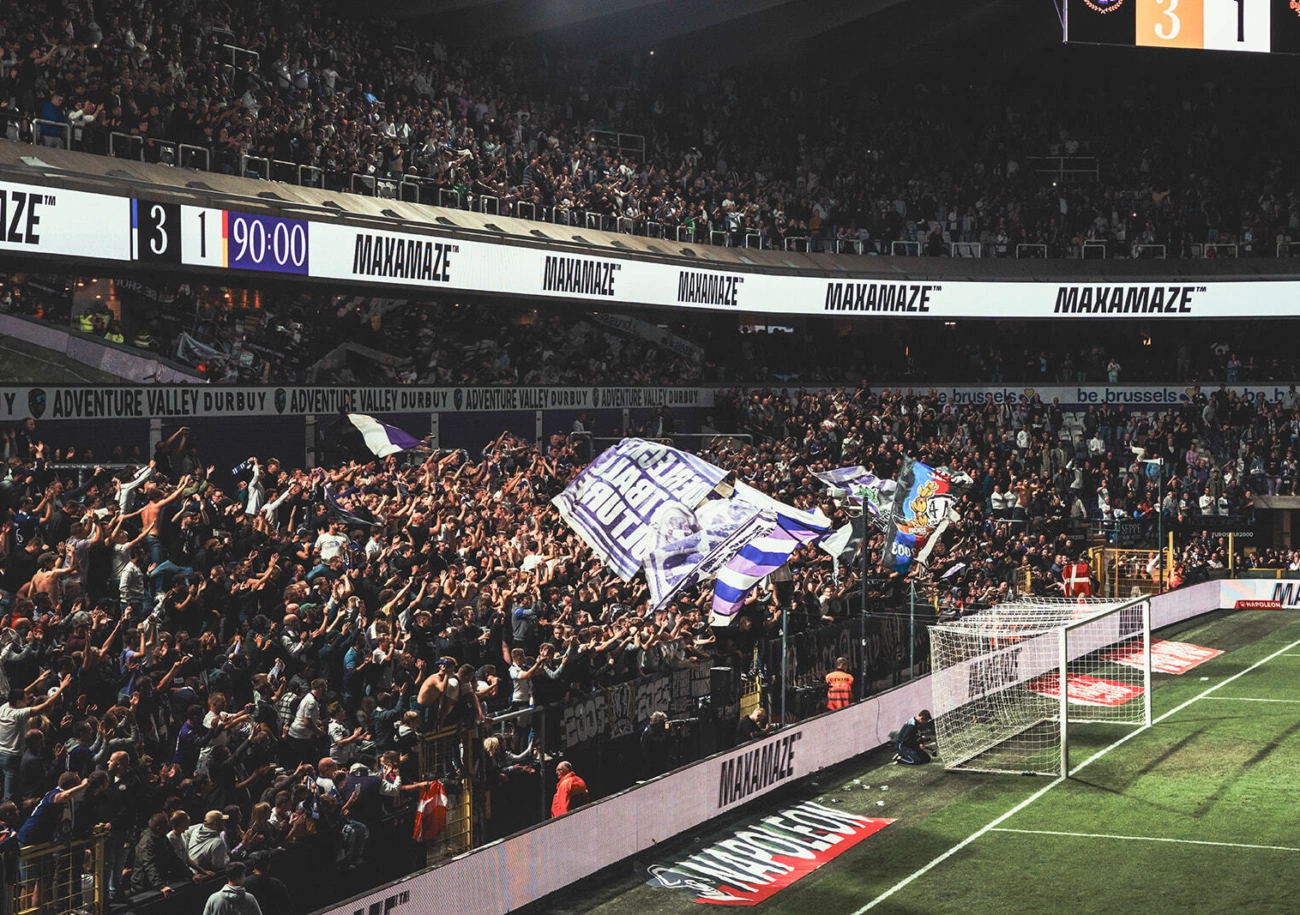
LED perimeter playout software for stadiums
Run the whole wall from one seat.
USM Boarding plays sponsor rotations, the scoreboard, live camera feeds and player reveals onto your LED perimeter boards — exactly to the second, with a backup PC that takes over on its own if the main one dies.
The mental model
Five words carry the whole product. Learn them once and the rest of the software explains itself.
New to this? What LED boarding software has to do, and how to judge one.
How it works
From the operator’s key to the panels
The LED processor cannot scale. It maps pixels one-to-one onto receiving cards, so every scale, crop, wrap and position decision has to be settled upstream — in the software, before the match. This is the path a frame takes.
- 01Artwork lands in MediaThe operator imports sponsor files. Pixel-perfect fit against the wall geometry is detected and badged on import, and fast-decode proxies are generated for video.
- 02The banner is laid onto the wallIn the Sequence Designer the perimeter is drawn flat as rows of panel strips. A banner can wrap across a row seam so a multi-row wall reads as one continuous run. Spans can be fractional.
- 03Sequences stack into a playlistType how many plays each sponsor bought, or the airtime as m:ss, and the weighted builder generates the rotation — with no sequence twice in a row, provably rather than probably.
- 04Every slot is pre-rendered before the showEach slot is flattened into one image at the exact pixel size of the wall and baked to disk. Nothing heavy happens when the operator presses a button.
- 05The next slot loads ten seconds earlyIt is placed on a second, invisible bank of layers. The transition itself is a single-frame swap on a 60 Hz slot timer, so each slot plays its exact configured duration and the engine never inserts a hold.
- 06The frame leaves over the outputFull-screen on a dedicated output head. No browser window and no desktop compositor in the path.
- 07The LED processor maps it to the cabinetsPixels arrive one-to-one on the receiving cards. Measured press-to-wall on a two-screen rig: 347 ms at p50.
This is the output
The far end of the chain
A sponsor banner as it actually left the software and lit a stadium fascia — 2100 × 120 pixels, 17.5 : 1. Shown here at true proportion, so the page becomes the board.
LED monitoring
Is it us or the wall?
Half the perimeter goes dark at 20:41 and the room turns to the operator. USM reads the NovaStar processors behind your boards: every cabinet, its temperature, the main and backup cables, the input signal. It answers the question in seconds, from the control room or from a phone in the stand.
- OK
- Too hot
- Not answering
- Fed over the backup line
On air, and the signal is reaching the processor’s DVI input.
47 of 48 cabinets answering. Cabinet 7 on port 3 is not, and port 4 is running on its backup cable.
- 20:41:07Cabinets not answeringPort 3, cabinet 7
- 20:38:52Running on the backup linePort 4
- 20:12:30Cabinet too hotPort 1, cabinet 9, 64 °C
From the playout PC while it runs, or from a small monitoring box that watches day and night without one. A paid option, switched on per licence.
LED monitoring in detailDownload
Put it on the rig tonight.
Sign in — or create an account, which takes a name, an email and a password — and the download starts on its own the moment you are through. The account is what ties the installer to your venue, so when you subscribe the licence key promotes in place and the rig never re-registers.
- Create an account. Name, email, password. No card.
- The download starts itself. You land on the Desktop app tab with the installer already on its way.
- Add a licence key. It is emailed when a subscription starts, and the rig registers once.
Pricing
We publish the price
One base licence covers one LED screen on one PC. Add screens driven from that same PC, and add a Backup machine that mirrors the show and can take it over. That is the entire model — no tiers, no feature gates, no quote form.
When in doubt, press B and take a breath.
Install it on the rig, run a real fixture on it, and read the log the next morning. One licence per PC, priced by the size of the wall.